Select your current app version for best support
How do I save an ePak as a Draft?
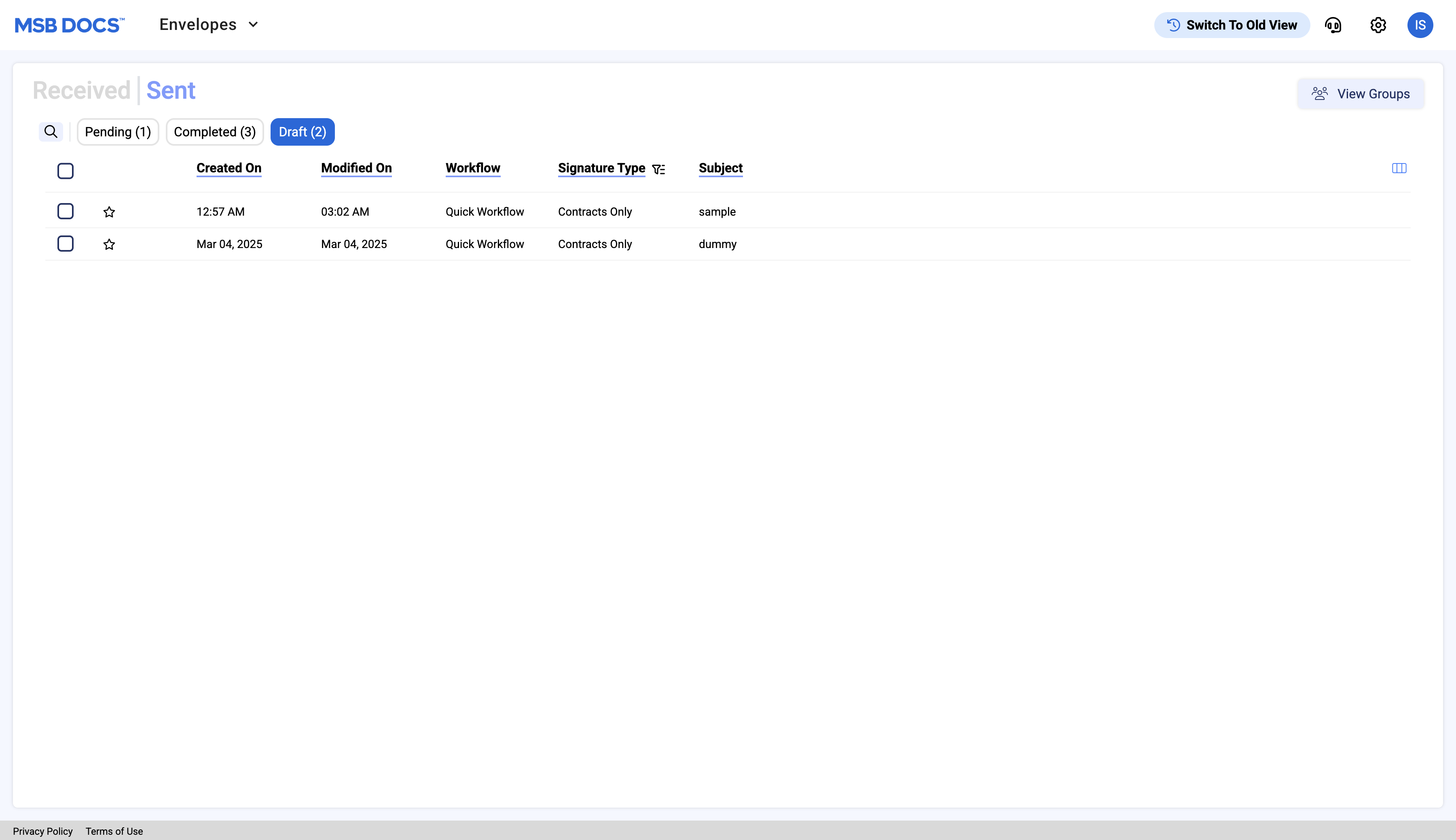
MSB users have an option to manually save an ePak with Draft status for later use. Users can view a different folder named “Drafts” under the “sent ePaks” section and all drafted ePak will be listed there.
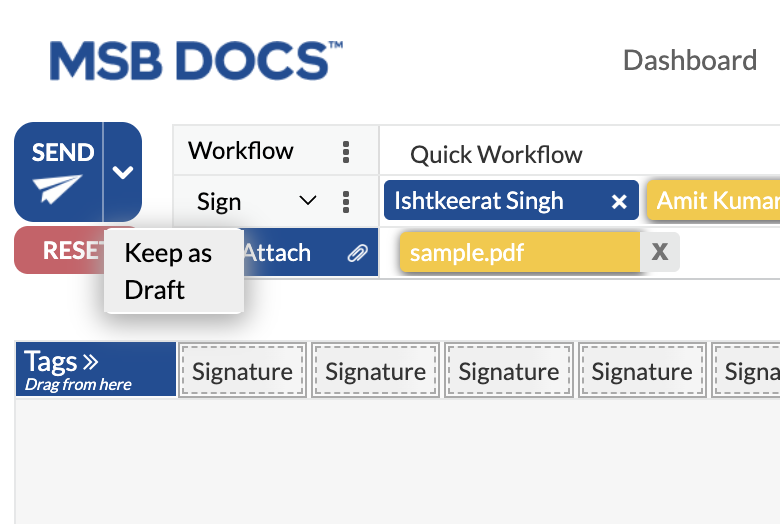
MSB users have an option to manually save an ePak with Draft status for later use. Users can view a different folder named “Drafts” under the “sent ePaks” section and all drafted ePak will be listed there.