
Select your current app version for best support
How do I login and access my account?
Depending on the configurational settings, you will have an option to login via email or login via SSO (Single Sign- On).
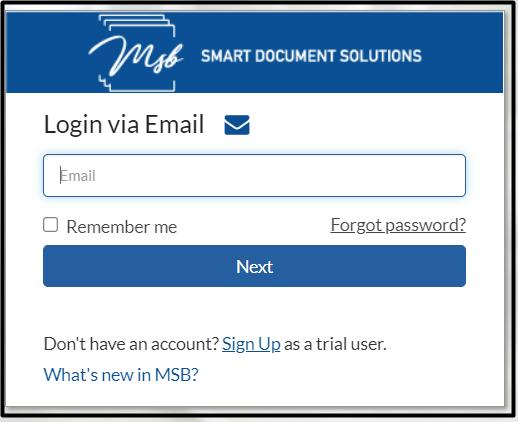
Login via Email
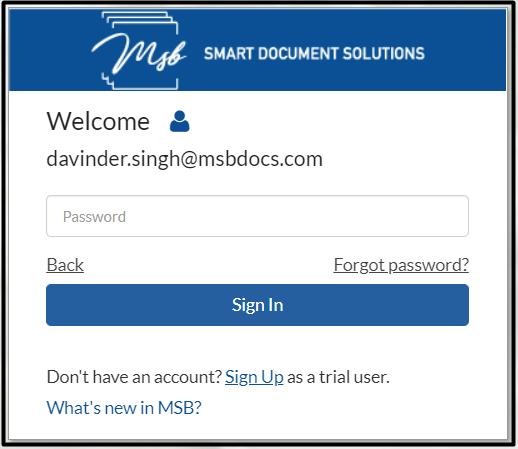
Your username is your registered email. You may choose to enable ‘Remember me’ option that will let the site remember your username so that you do not have to retype it when returning to the site. Click ‘Next’ and fill in your password that was selected at the time of registration. Click ‘Sign In’ to get into the application
Login via SSO (Single Sign-On)
If it has been deployed to be connected to your organizations LDAP or other identity management service, you may also login using your company login credentials via Single Sign On. Click on the “Employee Login” link on the login screen to access your company login screen. Login with your company credentials and you will automatically be taken to App. External users in this case (users outside of your company) may click the “External Partner Login” link to access the login form.
Login via SSO (Single Sign-On)
If configured, users may log in using a One Time Passcode (OTP) sent to their mobile device.
Login Redirection (Configurable)
If configured, users will be redirected to a specific page when they log in (Pages: Dashboard, ePaks, Templates, Team Room, Reports, Profile).
Enter your registered email address. You may choose to enable ‘Remember me’ option that will let the site remember your username. Click ‘Next’ and fill in your password that was selected at the time of registration. Click ‘Sign In’ to login into the application.
Users will be notified of their offline and Online status so that they can continue to use MSB Application. Once the user comes back online, the user will be notified of the same.
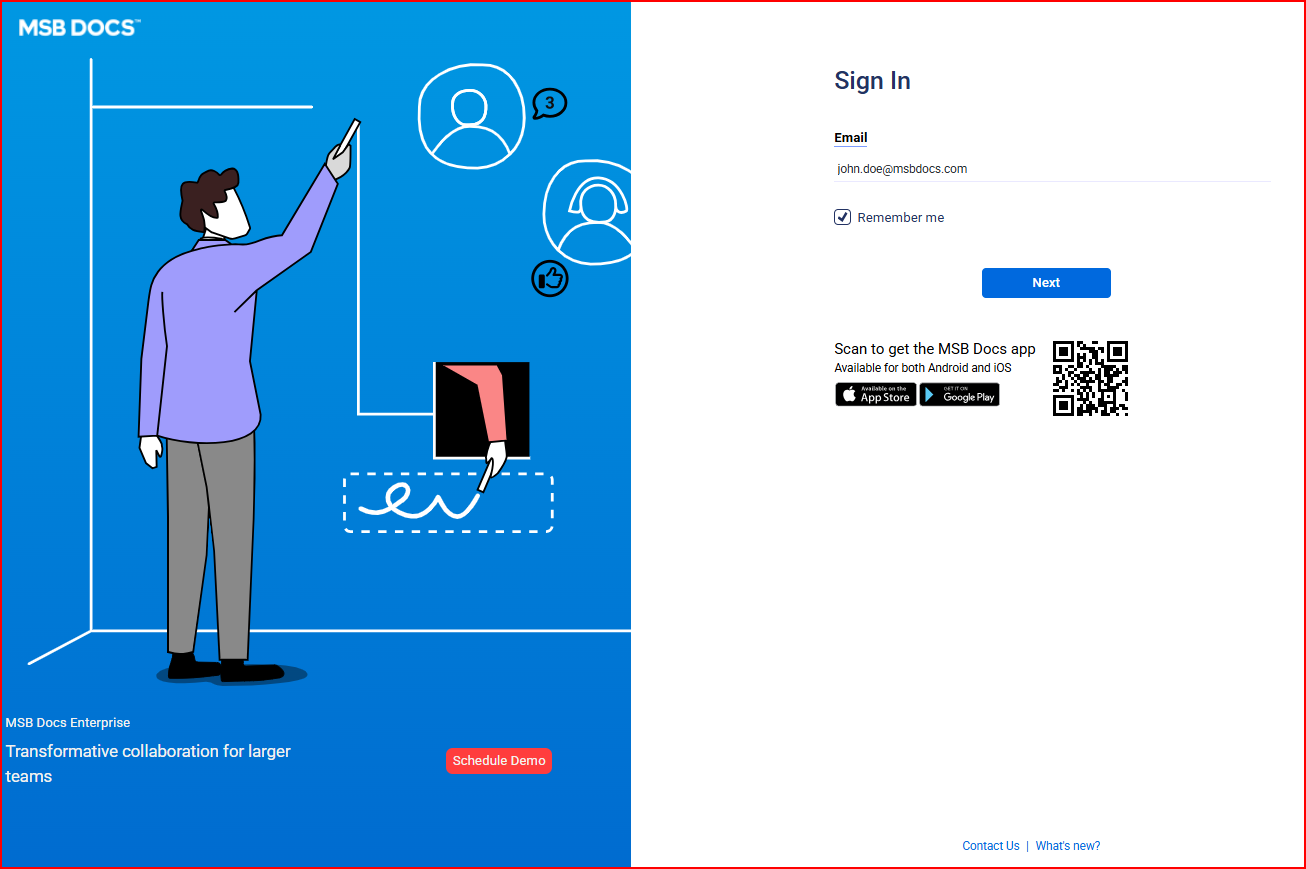

You may also login using your company login credentials via Single Sign On. Login with your company credentials and you will automatically be taken to App.
If you are locked out of your account or cannot remember your password, you can reset it by clicking the ‘Forgot password’ link just under the password field. You will receive an email with a link to change your password. You can then set a new password for your account.
MSB users also have an option to login into MSB via OTP that will be received by the user on their registered email address. It will help in eliminating the need to remember or create a new password, which is particularly convenient for less frequent or one-time users. Once the OTP is entered on the login page, the user will be able to enter the MSB Application.

A visitor can sign into any public environment from the common login page using a unified URL for different environments. If a user is registered on multiple environments with the same email, a list of environments will be displayed where the user currently has an account. The user can select an environment from the list and fill in the credentials for the same.
